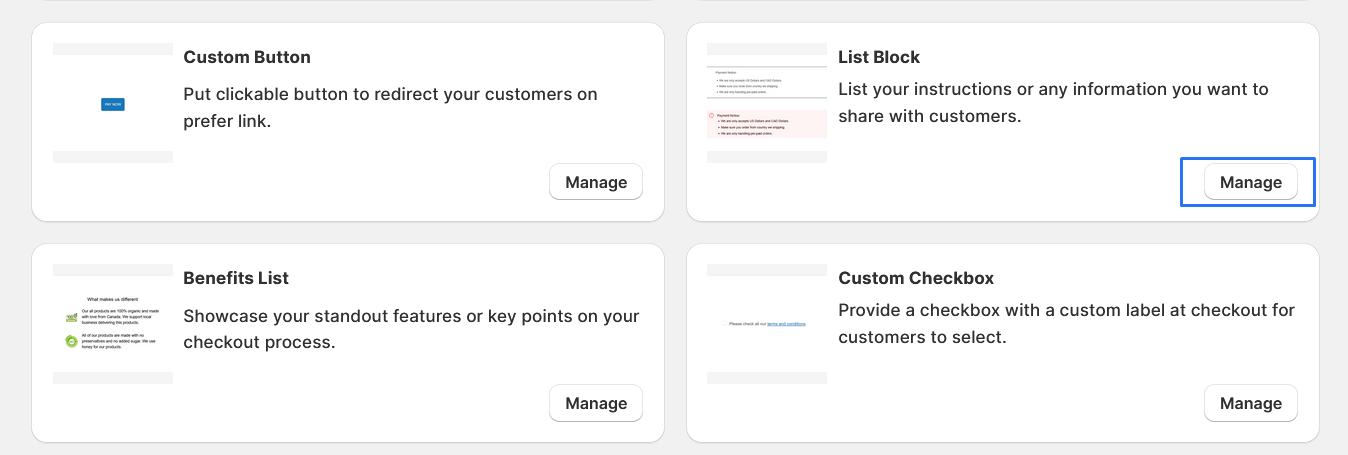
List Block
List your instructions or any information you want to share with customers.
1. Go to shopify Admin panel
Click on apps => Spring Checkout Customization
2. Click on "Manage" button to add List Block widget
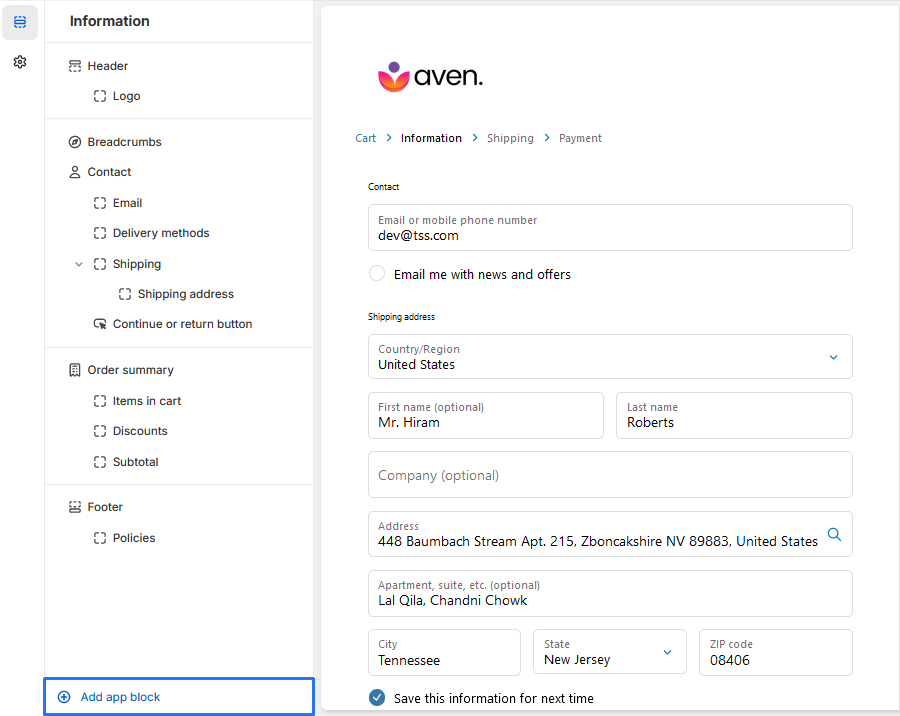
3. To Add List Block, simply click on the "Add App Block" button and follow the furter process
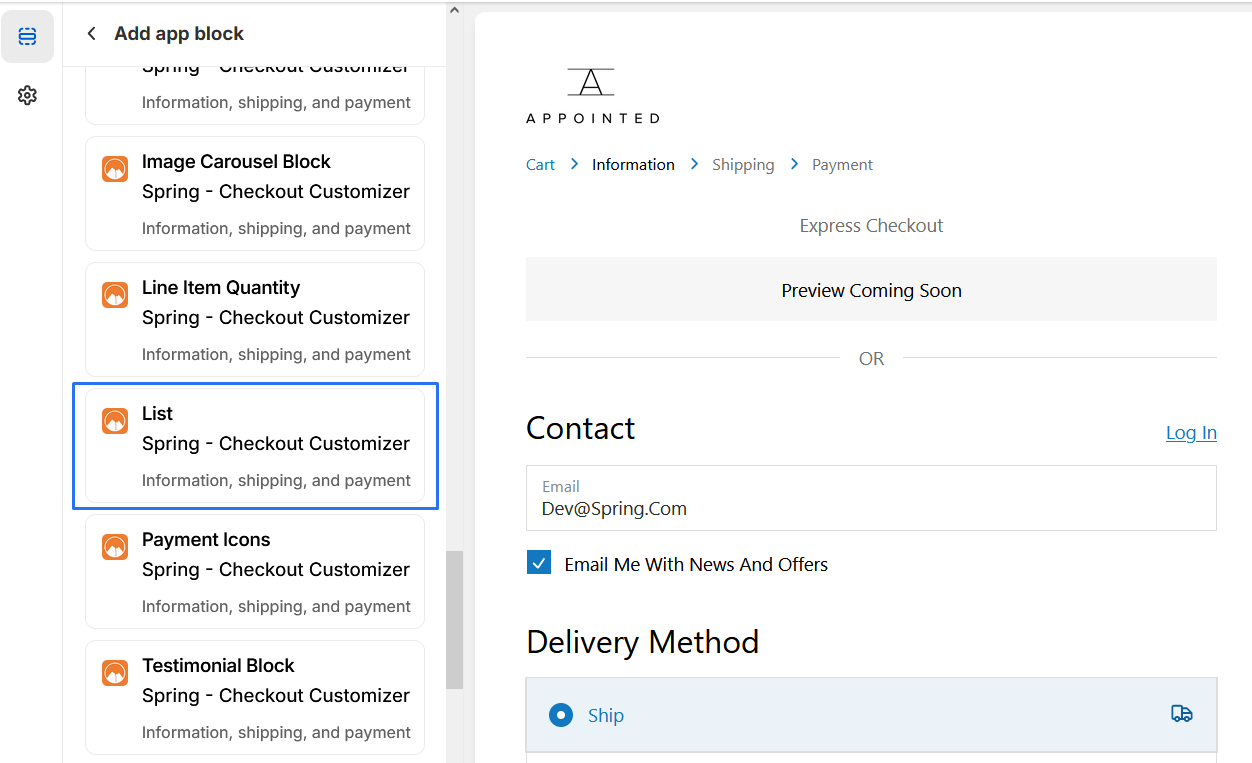
4. Click on "List Block" from the list to add the List Block extensions
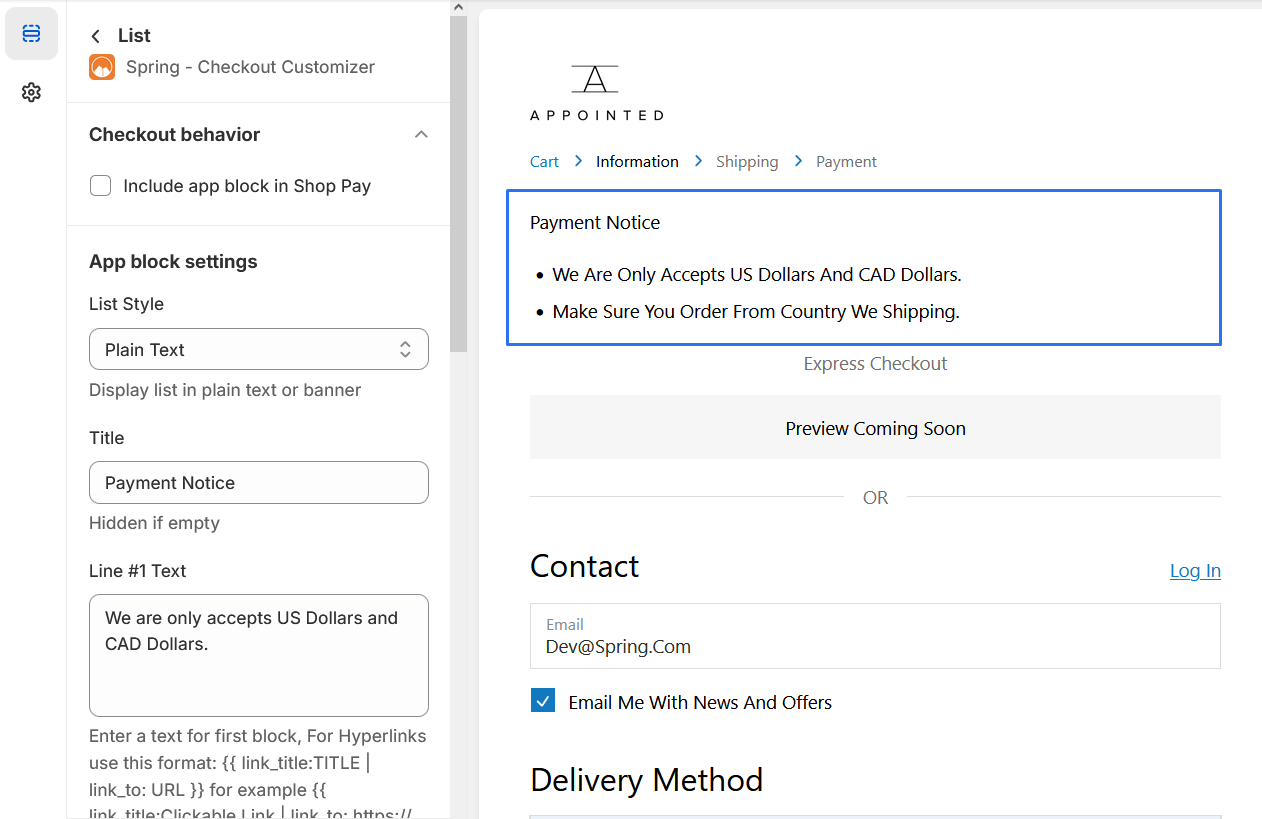
5. List Block
-
1. Explore our list style options with two distinctive choices Banner Preview,Plain Text
2. Marker Type we provive two types of list they are numbers and bullets
* We provide bellow settings