
Thank You Block
Get survey or feedback from your customer on thank you page
1 . Go to shopify Admin Panel
Click on apps => Spring Checkout Customization
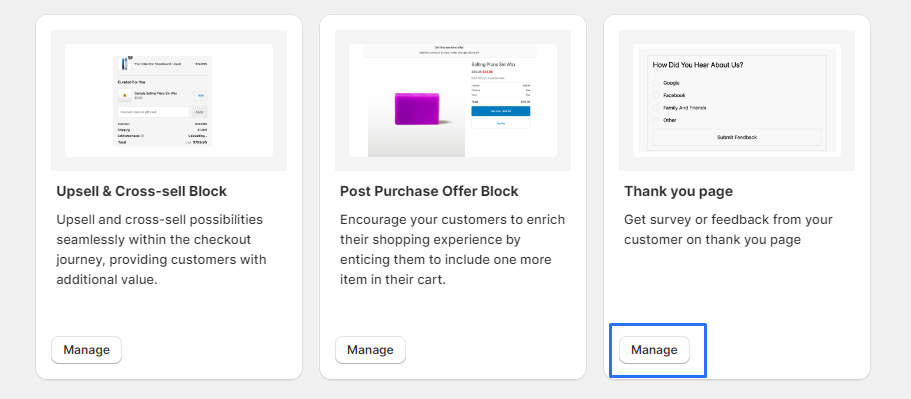
2 . Go to Thank You Block section.
Click on "Manage" to access the Thank You Block widget.
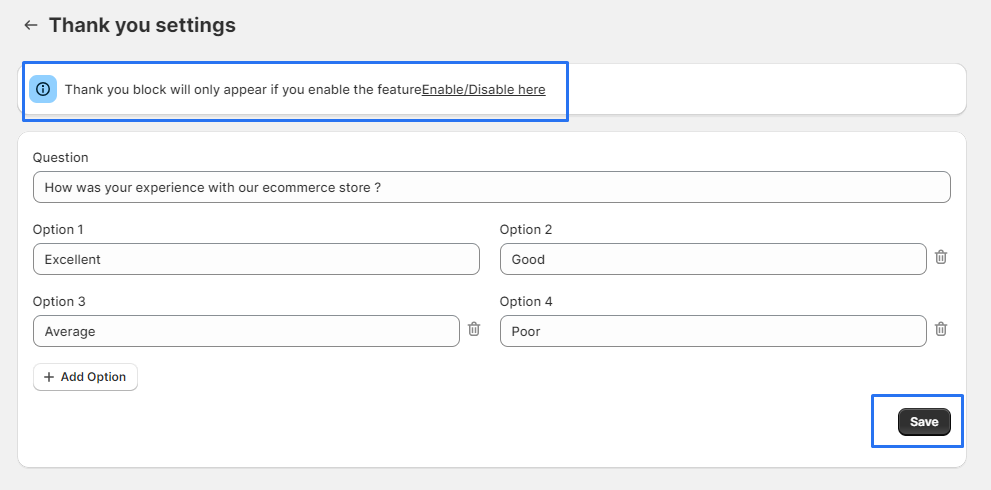
3 . clicking the "Edit Question" button to customize the survey questions and options.

4 . After editing questions and options, ensure to click "click" "save"to apply your modifications.
5 . If a "preview" option is available, "click" on"Enable/Disable here"in the banner to see how it looks.
6 . Before proceeding, ensure that you have a "Thank You page" set up.
7 . Click on "Add App Block" to browse available app blocks.
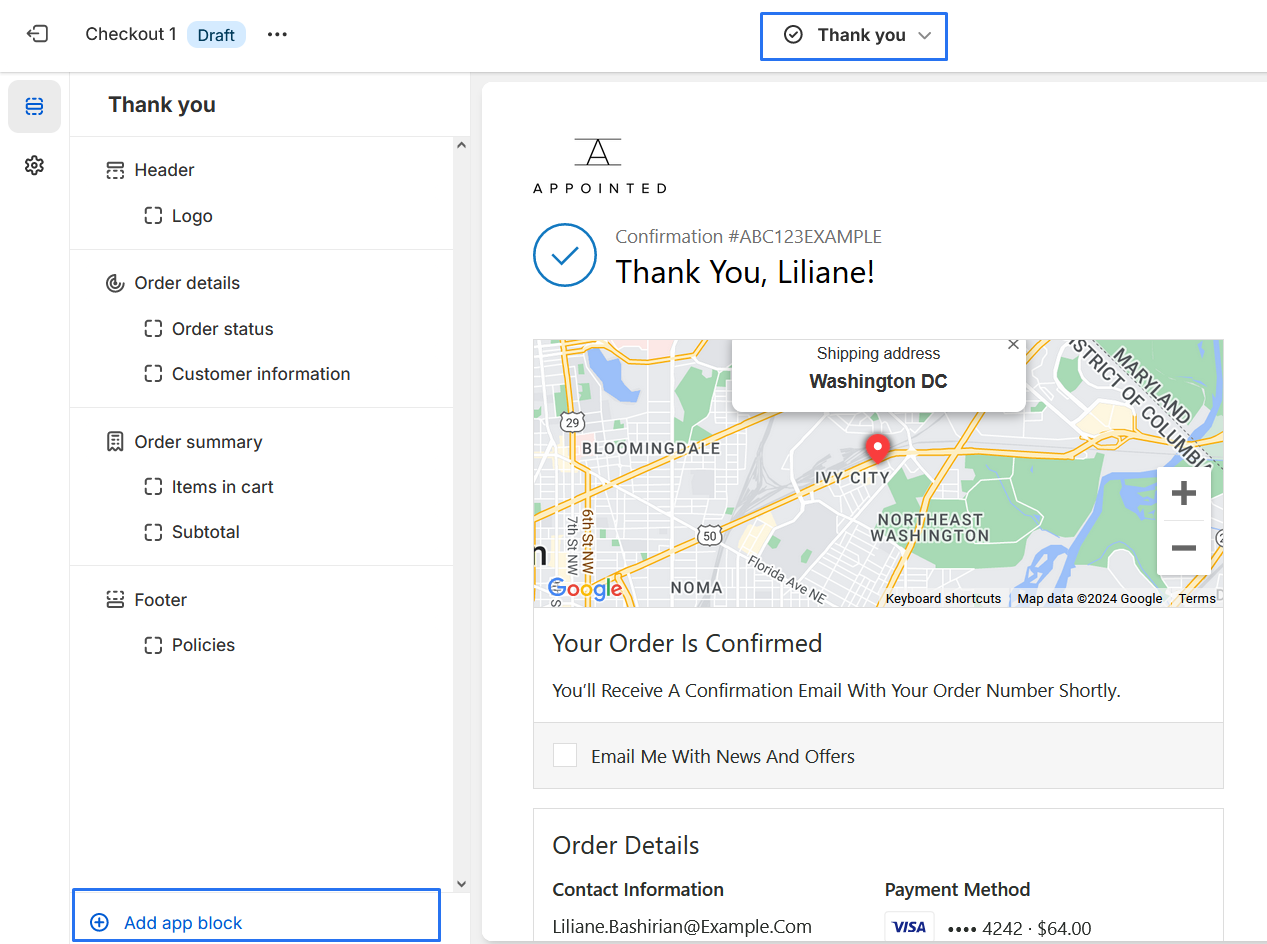
8 .From the list of available app blocks, locate and select the "Thank You Block."

9 . "Enable" the extension to display the survey questions and options on the "Thank You" page
