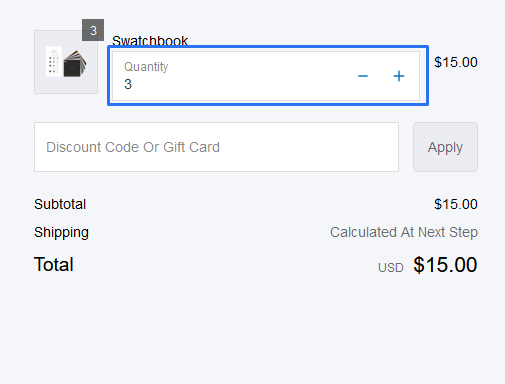
Line Item Quantity Block
Provide a checkbox with a custom label at checkout for customers to select.
1. Go to shopify Admin panel
Click on apps => Spring Checkout Customization
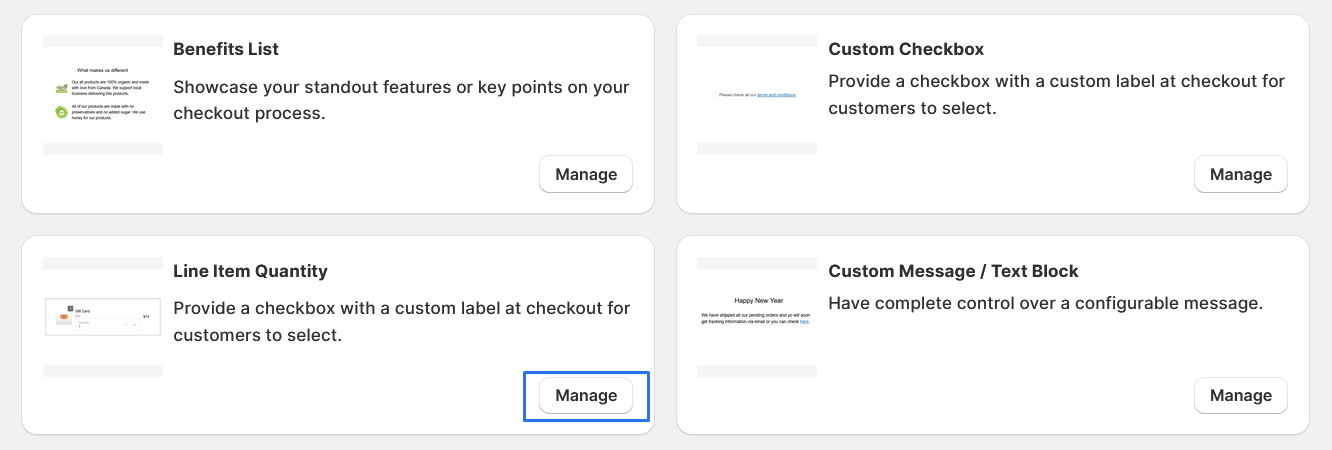
2. Click on "Manage" button to add Line Item Quantity Block widget
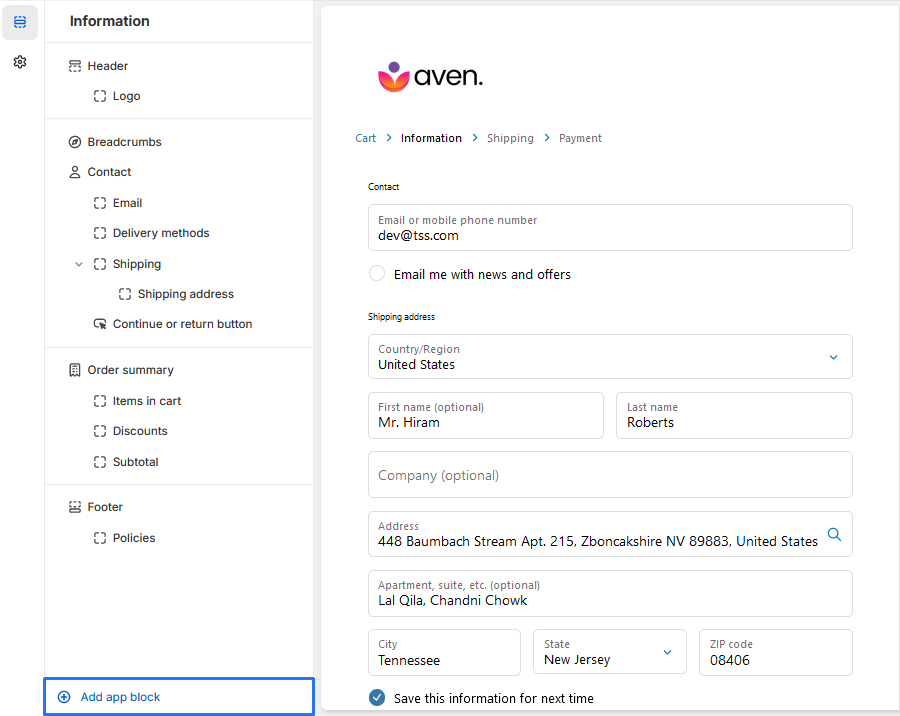
3. To Add Line Item Quantity Block, simply click on the "Add App Block" button and follow the furter process
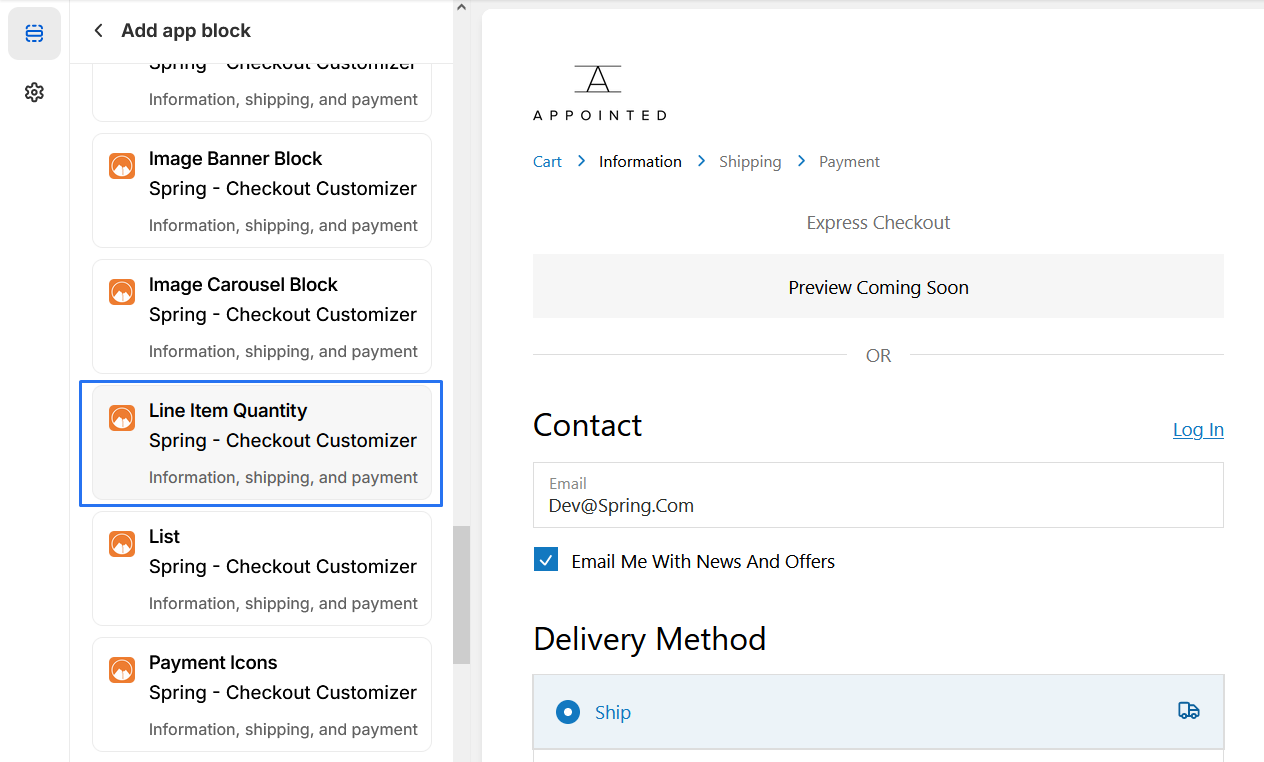
4. Click on "Line Item Quantity Block" from the list to add the Line Item Quantity Block extensions
5. Line Item Quantity Block